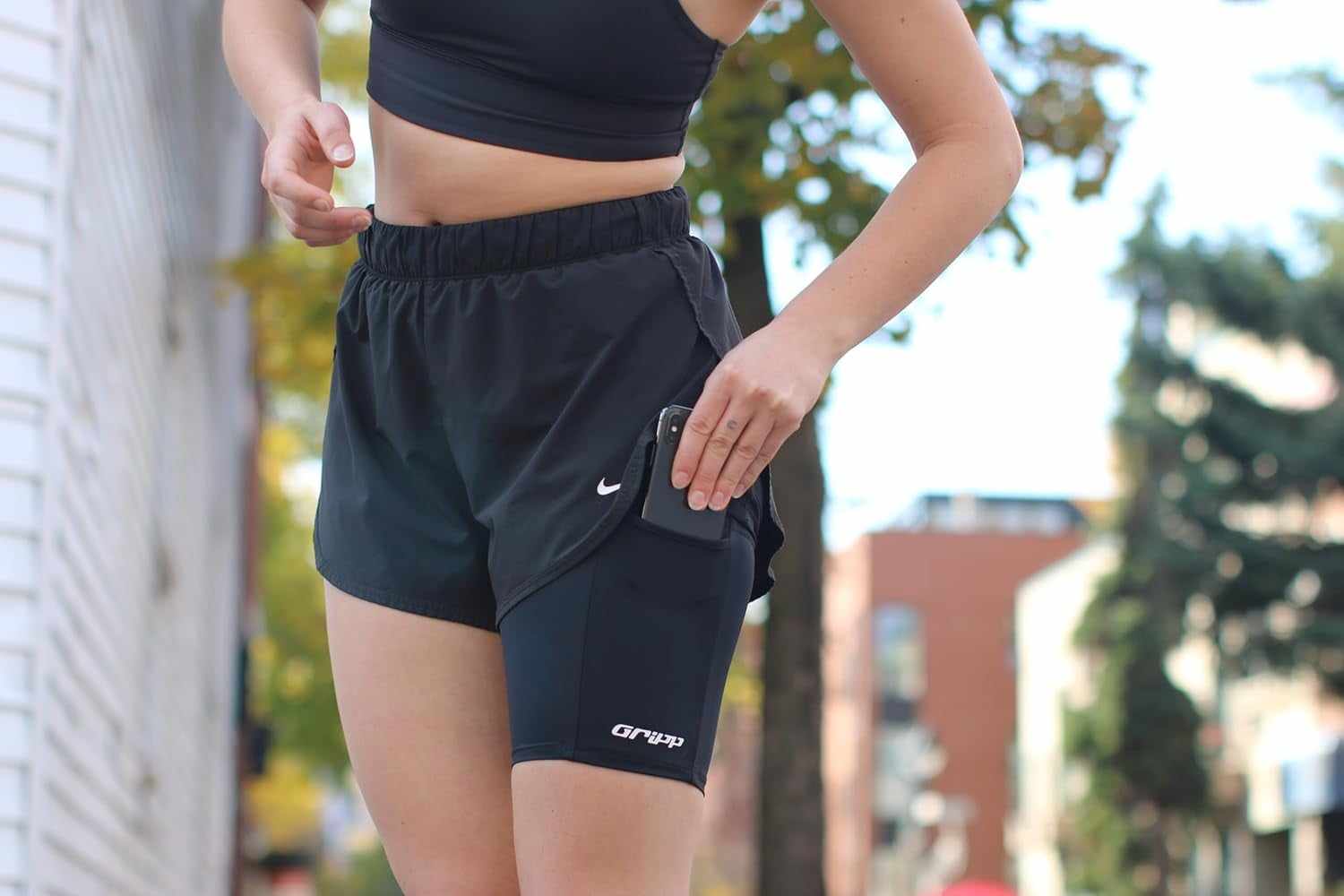
Quick answer: inaccurate phone GPS during a run is worth diagnosing before you change gear. Check location permission, battery settings and the initial GPS lock first. Then repeat one short route with the phone in one stable spot. Carry position can matter when the phone is buried under material or gear, but no pocket, belt, armband or thigh position guarantees a perfect track.
If your map drifts, cuts corners, drops a section or records the wrong distance, change one variable at a time. A repeatable test is more useful than buying a new holder after one bad run.
What does inaccurate phone GPS look like?
- The route line drifts away from the road or trail.
- A section disappears and two distant points are joined by a straight line.
- The map zigzags and records more distance than you ran.
- The app never gets a GPS lock or stops recording after the screen turns off.
Strava documents these patterns as GPS drift, lost signal and GPS bounce in its current Android GPS troubleshooting guide. The same source recommends checking location access, battery settings and the initial lock before judging the phone or carry position.
Five things to check before changing your phone holder
- Location permission: confirm that the recording app can use location for the full activity, including when the screen is off.
- Battery settings: check whether battery saver or app optimization is interrupting background recording.
- Initial GPS lock: open the app outdoors in a clear area and wait until it says it is ready before starting.
- One repeated route: use the same phone, app and carry position on a short route for two or three runs.
- One variable at a time: if the problem repeats, test a less-covered carry spot before changing the app, phone and holder together.
One strange route does not prove that your pocket or holder caused it. Buildings, trees, phone hardware, app behavior and temporary signal conditions can also change the result.
Can where you carry your phone affect GPS tracking?
It can. Satellite signals are weak when they reach a phone. Strava notes that even a pocket or backpack can reduce signal strength in some situations. That does not mean every pocket causes bad tracking or that an exposed phone always records perfectly.
The useful question is not "Which body position is always best?" It is "Does this exact phone, case, app and carry position produce a complete route when I repeat the test?"
Carry positions to compare
| Carry option | What to test | When to try another setup |
|---|---|---|
| Secure shorts or leggings pocket | The phone stays flat, the app keeps recording and the route remains complete. | The phone sits under several layers or repeated runs lose the same sections. |
| Running belt | The phone does not rotate behind your body or sit under other packed items. | The phone is buried by the load or the belt keeps changing position. |
| Armband | The actual phone and case fit, and the app records with the screen off. | The band slips, blocks controls or gives inconsistent tracks on repeated runs. |
| Thigh holder | The phone plus case fits, the holder matches your body size and the phone stays in one position. | The setup moves, several clothing layers cover the phone or you carry more than a phone. |
| Hydration vest or pack | The phone is in an accessible pocket and the saved route is complete with the normal load. | The phone is buried under gear and repeated tracks lose the same sections. |
What should you change first?
- If the app never gets ready, start in a clearer outdoor area and recheck location permission.
- If recording stops after the screen turns off, inspect background location and battery settings.
- If the same route section repeatedly disappears, test a carry spot with less material around the phone.
- If the route is complete but the phone moves or is hard to reach, solve the physical fit problem separately from GPS.
If you are comparing holder categories, use the belt, armband, pocket and thigh-holder guide. If total load and access matter more than GPS, start with the practical phone-carry guide.
Where does THIGHBAND fit?
THIGHBAND is one phone-only position to test when you want the phone off your arm and waist. It is not a GPS signal booster or accuracy guarantee. Check the actual phone plus case, choose the correct body size and wear it high on bare skin under compatible loose shorts. Then repeat the same route with your normal app.
If you also carry water, gels, keys, cards or layers, a belt or vest may fit the full load better.
FAQ
Why is my phone GPS inaccurate while running?
Common causes include limited location permission, battery optimization, starting before the phone has a GPS lock, surrounding obstructions and phone coverage. Check those factors before replacing the phone or holder.
What is the best place to put a phone for GPS run tracking?
There is no universal best position. Start with a secure spot that does not bury the phone under several layers, then compare saved routes on repeated runs.
Can a pocket block a phone GPS signal?
A pocket can reduce weak signal strength in some setups, especially when material or other gear covers the phone. Many pockets still work. Test your actual pocket, phone and app.
Is an armband more accurate than a belt or thigh holder?
Not automatically. Any of those positions can work. Permissions, battery settings, initial lock, surroundings and phone coverage may matter more than the holder category.
Should I replace my phone holder after one bad GPS track?
No. Check permissions, battery settings and initial lock, then repeat the route. Change the carry position only if the problem repeats and the comparison points to coverage or placement.