You do not automatically need your phone when running with a smartwatch. You can leave it home if your exact watch setup can perform and save every function you want during the run without the phone nearby. If one important function still depends on the phone, bring it and choose a carry spot based on how often you need access and what else you carry.
Do not decide from the watch name alone. Check the exact model, settings, downloaded content, connectivity and app behavior you plan to use. A short test before the run is more useful than assuming that every version of a watch works the same way.
Start With the Functions, Not the Gear
Before comparing pockets, belts or holders, write down what you actually want during this run. Common examples include recording the workout, following a route, controlling audio, receiving a message or making a call. Your list may be shorter or completely different.
For each function, ask one question: Does my exact watch setup do this when my phone is not nearby? Verify the answer using the current manufacturer information for your model and your own settings. Do not assume that a feature available on one model, plan or app also exists on yours.
A Quick Watch-or-Phone Decision Table
| What your setup can do | Practical choice | What to test |
|---|---|---|
| The watch covers every function you want without the phone nearby | Leave the phone home if that matches your preference | Start, use and save a short test activity with the phone out of range |
| The watch records the run, but one wanted function still needs the phone | Bring the phone and keep it stored securely | Confirm the required app or connection before leaving |
| You need to look at or handle the phone during the run | Choose a secure, reachable carry position | Test access with your actual clothing and pace |
| You are unsure what works without the phone | Bring the phone for the first test, then decide from the result | Put the phone out of range and test one function at a time |
Use a Five-Function Audit
1. Workout recording
Check whether your watch can start, record, stop and save the activity without the phone nearby. Confirm that the finished activity appears where you expect after the devices reconnect. The goal is not to compare watch accuracy. It is simply to verify your actual workflow.
2. Route guidance
If you plan to follow directions, verify that the route or map you need is available in the exact no-phone setup. A route visible while the phone is connected does not prove that it will remain available when the phone is somewhere else.
3. Music or audio controls
Check whether the audio you want is stored or otherwise available without the phone, and whether your headphones connect in the setup you intend to use. If the phone still supplies the audio, decide whether you can leave it fully stored or need occasional access. The running with music phone-carry guide covers that access decision in more detail.
4. Calls and messages
If communication matters to you on this run, verify what your exact watch, plan and connection can do without the phone nearby. Do not treat a watch icon or product family name as proof. Test the specific function you care about.
5. Everything else you personally require
This could include a particular app, payment method, camera, note, code or other phone-only item. If you would be frustrated to lose access to it during the run, include it in the audit. If it is not needed, do not carry the phone only because it has always come along.
Run a Short No-Phone Test First
- Charge and configure the watch as you normally would.
- Put the phone out of range rather than leaving it in your pocket.
- Start a short activity.
- Test each function on your list once.
- Stop and save the activity.
- Reconnect the devices and confirm that the result appears where expected.
If a function fails, you have a specific reason to bring the phone or adjust the setup. If every needed function works, you can make a deliberate choice instead of carrying the phone by habit.
If the Phone Still Comes Along, Choose Carry by Access and Load
The next question is not which holder is universally best. It is how much you carry and how often you need the screen.
- Phone stays stored: use the most secure pocket or close-fitting holder that works with your clothing and phone case.
- Phone needs occasional access: choose a position you can reach without unpacking other items.
- Phone plus keys, water, fuel or layers: a belt or vest may organize the total load better than a phone-only holder.
- Phone only: a secure pocket, armband, belt or thigh holder may all be reasonable depending on fit and preference.
For a broader comparison, use the practical phone-carry guide.
Where THIGHBAND Fits
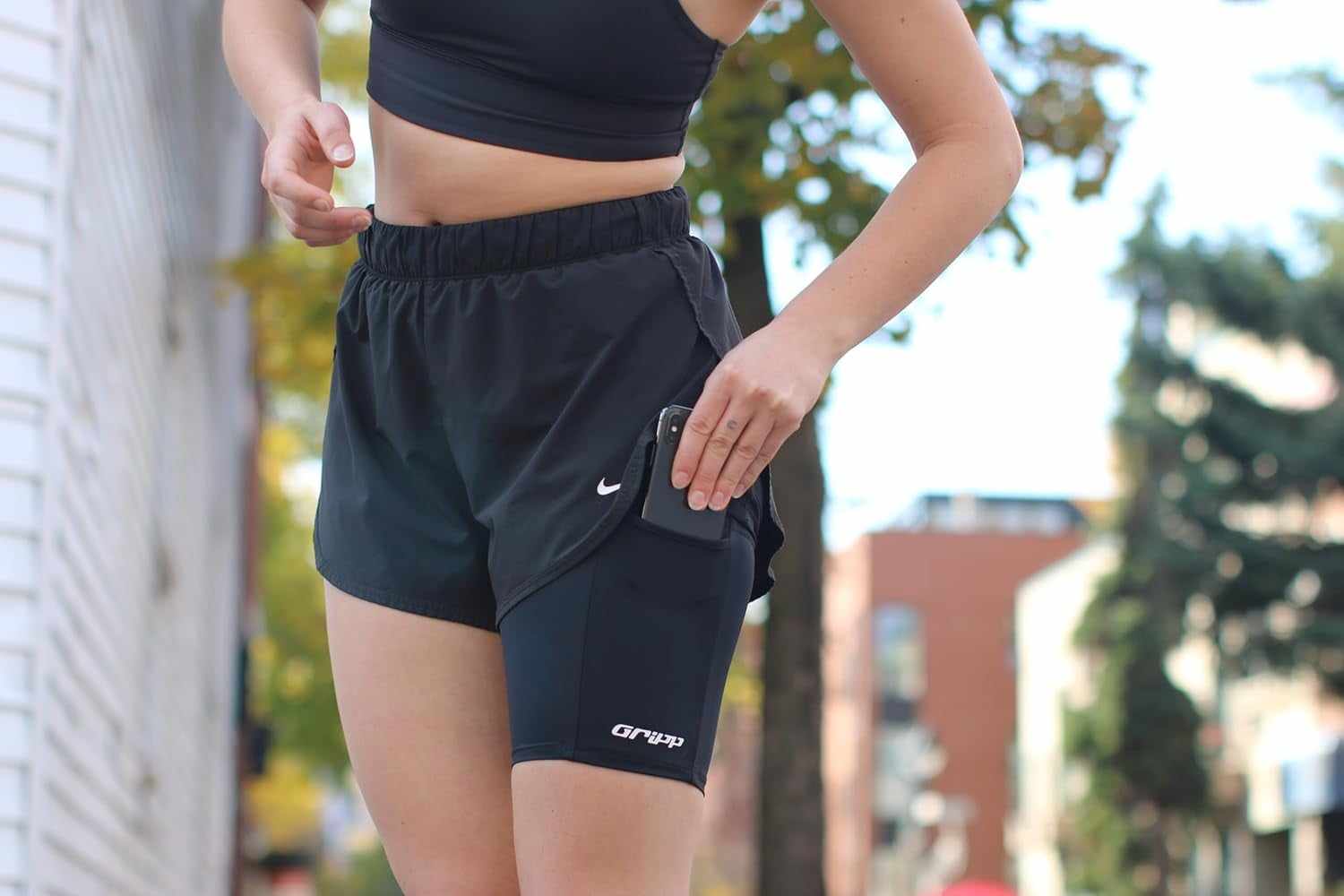
800m THIGHBAND is relevant only if your audit says the phone still comes along and the load is mainly the phone. Before choosing it, check three separate things:
- your thigh measurement against the live sizing guide;
- your phone plus case against the pocket;
- the actual clothing and movement you will use on the run.
A belt or vest can be the better answer for a larger load. Leaving the phone home can be the better answer when the watch setup already covers every function you want.
FAQ
Can I run with a GPS watch and leave my phone at home?
You can if your exact watch setup performs and saves every function you want without the phone nearby. Verify the model, settings and apps, then complete a short no-phone test before relying on the setup.
Do I need my phone for my running watch to record a workout?
That depends on the exact watch and setup. Test whether it can start, record, stop and save an activity while the phone is out of range. Do not infer the answer from the brand name alone.
What if my watch records the run but I still want music?
Check whether your chosen audio and headphones work without the phone. If the phone still supplies the audio, bring it and decide whether it can stay fully stored or needs a reachable carry position.
Should I carry my phone anyway?
That is a personal decision based on the functions you want, the route and your preferences. This guide does not claim that carrying or leaving a phone is the right choice for every runner.
What is the best way to carry the phone with a running watch?
Choose by access and total load. A secure pocket or phone-only holder can work when the phone stays stored. A belt or vest may be better when you also carry keys, water, fuel or layers. Test the exact setup with your phone, case and clothing.