Quick answer: You can listen to music while running without carrying your phone if your exact watch or audio player can handle playback on its own. Before leaving the phone home, confirm that the device has the audio you want, can connect to your headphones, gives you the controls you use, and does not depend on the phone for another function you need.
If your setup cannot do all of that independently, bring the phone. Then choose the smallest secure carry option that matches how often you need the screen and what else you carry. The decision is phone-free audio versus phone carry first, not belt versus armband first.
Use this phone-free audio checklist
Check the exact device, service and settings you plan to use. A product category alone does not confirm that the setup works independently.
- Audio source: Confirm the device can play the music, podcast or audio you want without the phone beside it.
- Content or connection: Make sure the audio is already available on the device or that its own connection covers your plan.
- Headphones: Pair the headphones to the device that will actually play the audio.
- Controls: Test start, pause, volume and track controls before the run.
- Other phone functions: Decide whether you still want the phone for maps, messages, photos or another personal reason.
If the watch question is broader than music, use the smartwatch and phone function audit.
Choose the setup that matches the real job
| Your setup | Best starting point | What to verify |
|---|---|---|
| Audio device works independently and no phone function is needed | Leave the phone home | Audio availability, headphone pairing and controls |
| Phone is needed but rarely touched | Secure pocket or close-fitting phone holder | Phone-plus-case fit and movement |
| Phone screen is needed often | Accessible pocket, belt or holder | Reach, closure and stability |
| Phone plus keys, water, food or layers | Belt or vest sized for the complete load | Capacity and access with everything packed |
Do a two-minute phone-free test
- Choose the exact music, podcast or audio you want.
- Put the phone out of reach and start playback from the independent device.
- Check the controls you expect to use during the run.
- Walk and jog briefly with the actual headphones.
- If any required step still depends on the phone, bring it and choose a secure carry position.
This test answers the question without assuming that every watch, player, app or plan behaves the same way.
If the phone still comes, choose by access and load
Secure clothing pocket
A deep zip pocket or snug phone pocket is the simplest option when it holds your actual phone and case without pulling the garment around. It works well when playback controls live on your headphones or watch and the phone can stay stored.
Running belt
A belt can make sense when you need easier waist access or carry small extras. Test it with the complete load. An empty belt does not show how it will behave with a phone, keys and other items inside.
Armband
An armband keeps the phone on the upper arm and may make its position easy to find. Phone fit, screen access and arm fit vary, so test the actual phone and case.
Thigh-mounted phone holder
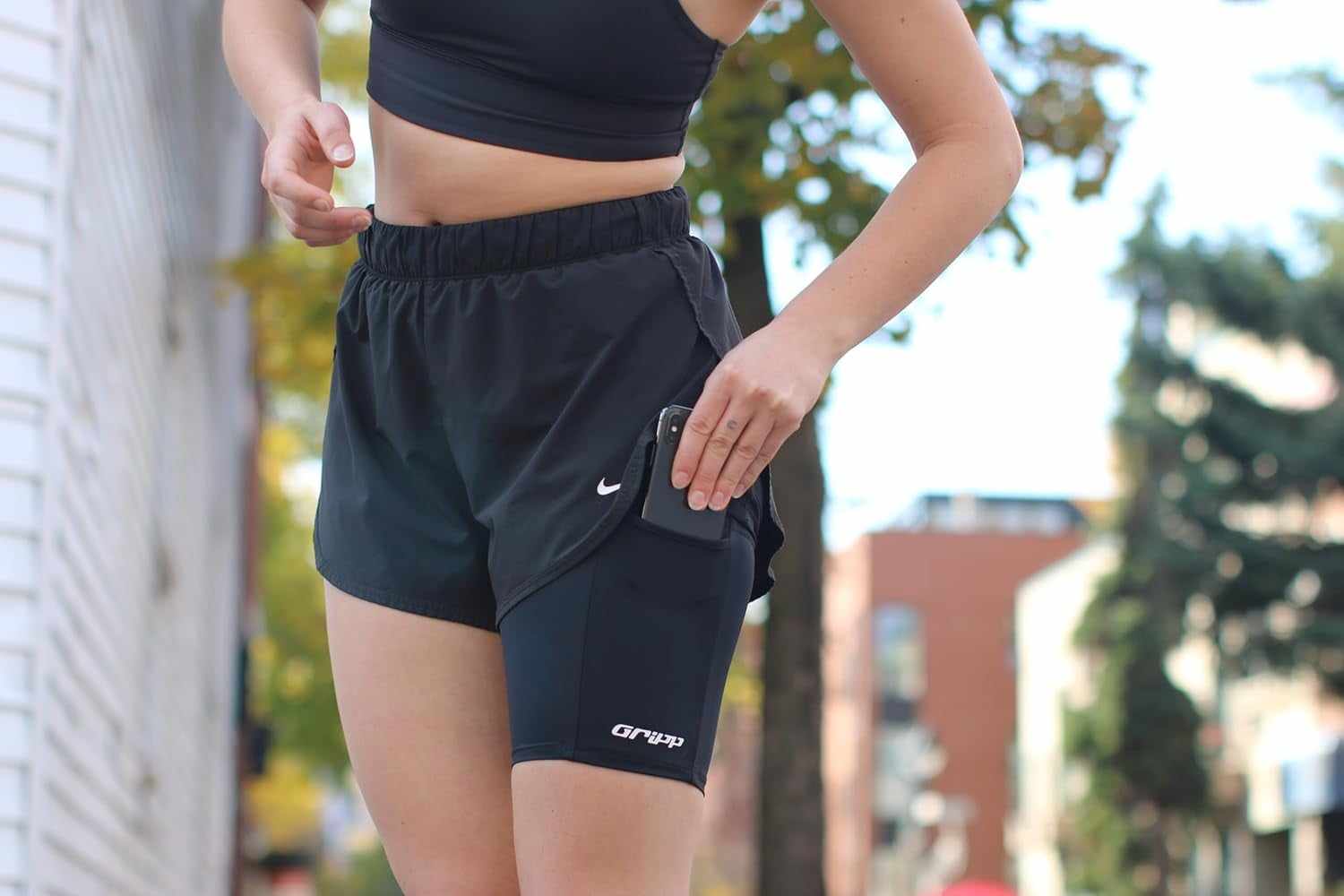
A thigh holder can suit a phone-only run when you want the device away from your waist and upper arm. THIGHBAND is one option when the phone plus case fits, your body size matches the product and your clothing works with the placement. Use the 800m sizing guide before choosing a size.
If you also carry keys, water, food or layers, a belt or vest may fit the complete load better. For the wider category decision, use the practical phone-carry guide.
Frequently asked questions
Can I listen to music while running without my phone?
Yes, if your exact watch or audio player can play the audio independently, connect to your headphones and provide the controls you need. Test the complete setup before leaving the phone home.
Do I need a smartwatch to run with music and no phone?
Not necessarily. The requirement is an audio device that works independently for your chosen content and headphones. Verify the exact device rather than relying on its category name.
Should I prepare the audio before the run?
Yes. Confirm the audio is available, pair the headphones and test the controls before you leave. This shows whether the setup still depends on the phone.
What if I want music but still need another phone function?
Bring the phone if a function you want is not covered by the independent device. Store it securely, then choose the carry position by screen access and total load.
Does THIGHBAND work for running with music?
It can be a phone-only carry option when your phone and case fit, the body sizing fits and the clothing works with thigh placement. If the audio setup works without a phone, no phone holder is needed for the music itself.